Amazon Firestick Setup Guide
Get streaming in under 5 minutes with our quick Downloader code
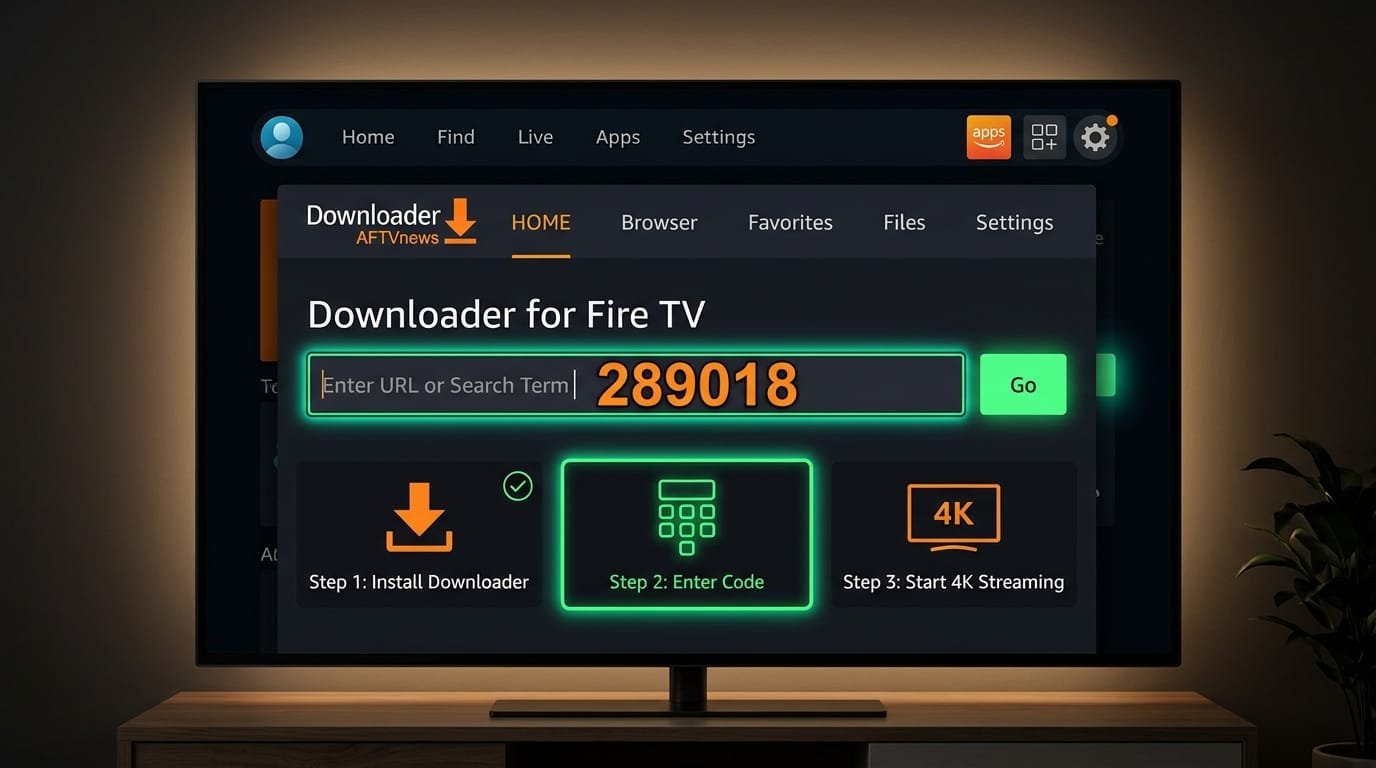
Enter This Code in Downloader App:
Open Downloader on your Firestick and enter the numeric shortcode below:
Enable Unknown Sources
Go to Settings → My Fire TV → Developer Options → Enable "Apps from Unknown Sources". If you don't see Developer Options, go to Settings → My Fire TV → About → click on "Fire TV Stick" 7 times to enable it.
Download Downloader App
From your Firestick home screen, go to the Search icon and type "Downloader". Install the orange Downloader app by AFTVnews.
Install IPTV Player
Open Downloader, enter the shortcode or URL provided after purchase. The IPTV Smarters Pro app will download. Click Install when prompted.
Enter Your Credentials
Open the IPTV app. Select "Add User" or "Login with Xtream Codes API". Enter your Username, Password, and Server URL from your welcome email.
Start Watching!
Your channel list will load automatically. Browse categories, add favorites, and enjoy 23,000+ channels in stunning 4K quality.
Need Help?
Our support team is available 24/7 to help you get set up. We can walk you through the process via WhatsApp, email, or even remote assistance.
Contact Support